You’ve spent weeks — maybe months — building a premium PHP application. A custom WHMCS module, a billing plugin, an analytics dashboard. Now it’s time to sell it.
But here’s the uncomfortable truth: the moment you hand over unprotected PHP files, your source code is fully readable. Any buyer can copy, redistribute, or modify your work without paying a cent.
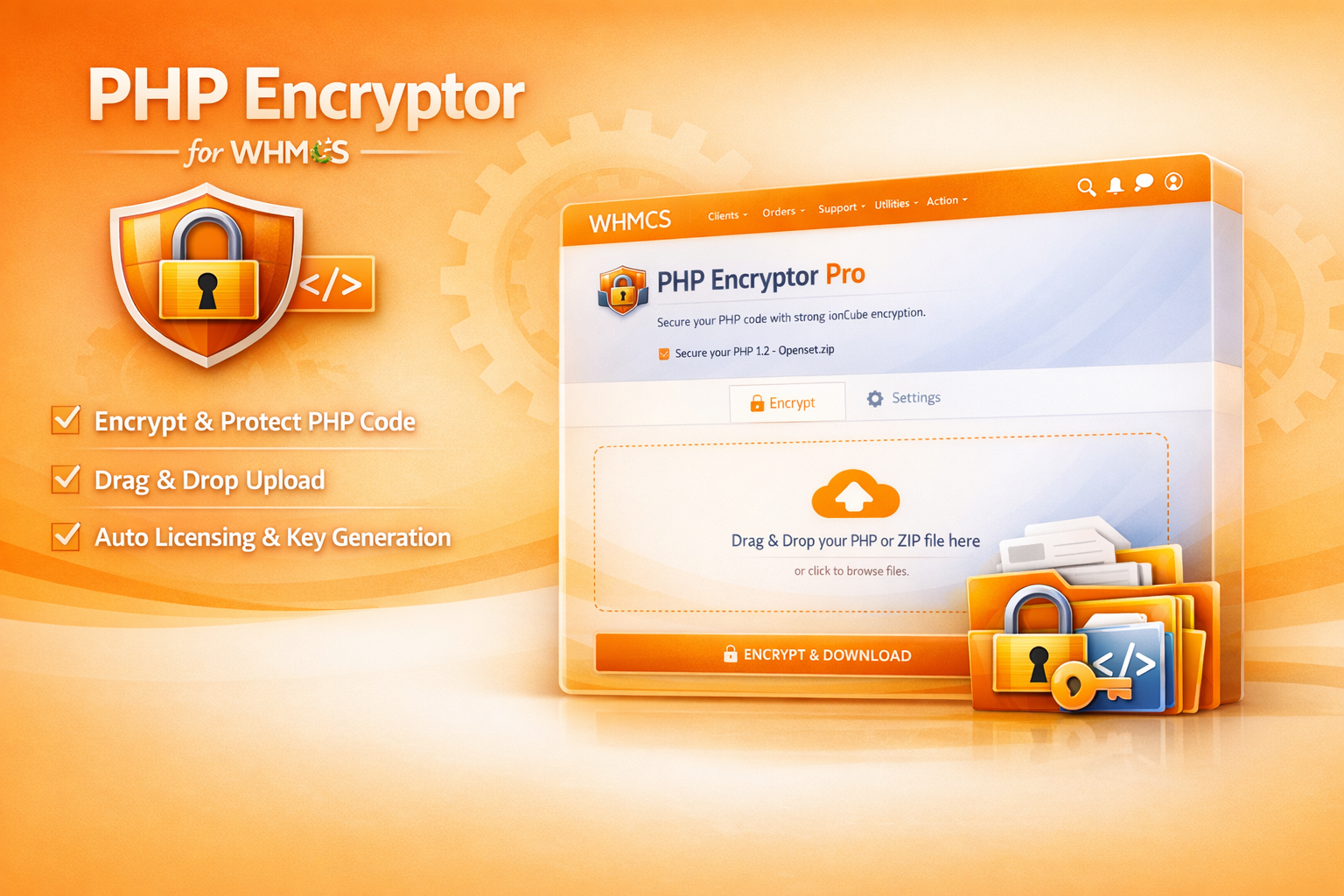
That’s where PHP Encryptor comes in — a WHMCS addon module that lets you encrypt and obfuscate your PHP files directly from your admin panel, with zero command-line skills required.
🔒 Why Encrypting Your PHP Code Matters
PHP is an interpreted language. Unlike compiled languages (C, Java), PHP files are distributed as plain text. Anyone who receives your files can:
- Read your entire logic — algorithms, database queries, API keys.
- Remove licensing checks — bypassing your revenue protection.
- Clone and resell your software — without attribution or payment.
- Discover security vulnerabilities — and exploit them.
If you’re selling PHP-based products (WHMCS modules, WordPress plugins, Laravel apps, standalone scripts), encryption isn’t optional — it’s essential for protecting your intellectual property and revenue stream.
⚡ What PHP Encryptor Does
PHP Encryptor transforms your readable PHP source code into an encrypted, obfuscated format using AES-256-CBC encryption — the same standard used in banking and military applications.
The process is simple:
- Upload — Drag and drop a .php file or a .zip archive containing your entire project.
- Encrypt — The module processes every .php file, encrypting the contents with your secret key.
- Download — Receive a ready-to-distribute ZIP archive with all files encrypted.
The encrypted files are fully functional. They decrypt and execute themselves at runtime using PHP’s OpenSSL extension — your customers won’t notice any difference in behavior.
🗂️ Batch Processing: Encrypt Entire Projects at Once
Unlike basic single-file encryption tools, PHP Encryptor supports batch processing via ZIP archives. Upload a ZIP containing hundreds of PHP files across nested directories, and the module will:
- Extract the archive
- Recursively find every .php file
- Encrypt each one individually
- Re-package everything into a clean download ZIP
- Preserve the original directory structure
This means you can encrypt an entire WHMCS module, WordPress plugin, or Laravel package in a single click.
📝 Custom Headers: Brand Your Encrypted Files
Every encrypted file can include a custom header — a copyright notice, license terms, or author attribution that appears at the top of the file:
<?php
/*
* Copyright (c) 2026 WHMCS Module Hub
* All rights reserved.
* Unauthorized copying or redistribution is strictly prohibited.
* Licensed under the WHMCS Module Hub End-User License Agreement.
*/
// Encrypted code below — do not modify
$data = 'encrypted_content_here...';
This serves as both a legal deterrent and a professional branding touch. Configure it once in the Settings tab, and it’s automatically prepended to every file.
🔐 License Binding: Double Protection
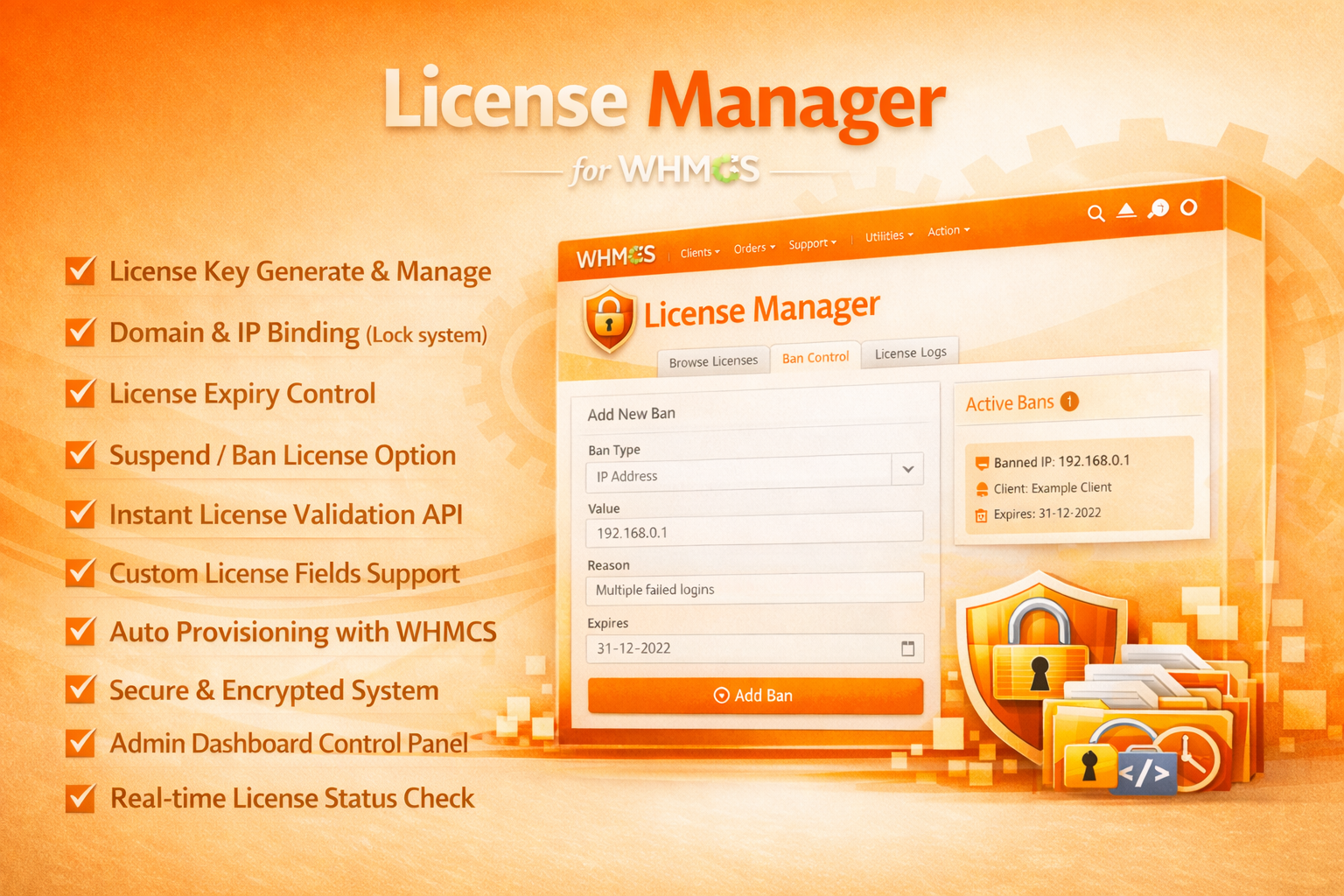
PHP Encryptor integrates with the WHMCS License Management System to embed licensing validation stubs directly into your encrypted files during the encryption phase.
This means your distributed software is protected at two levels:
- Encryption Layer — The source code is unreadable without the decryption key.
- License Layer — Even if someone somehow decrypts the code, the embedded license check prevents unauthorized usage.
This dual-protection approach makes it extremely difficult for anyone to pirate your software.
🎨 A Premium Interface, Not a Basic Form
PHP Encryptor doesn’t look like a typical WHMCS addon. The admin interface features:
- Dark Navy/Orange premium theme matching the WHMCS Module Hub brand
- Drag-and-drop file upload with visual feedback and file name display
- Tabbed navigation — switch between Encrypt and Settings tabs seamlessly
- Animated alerts — success and error notifications with slide-in animations
- Auto-download — encrypted files download automatically after processing
- Server requirement display — PHP version and extension requirements shown in the header
The entire UI is rendered via a Smarty template, making it easy to customize if needed.
🛡️ Security Features
PHP Encryptor isn’t just about encryption — it’s built with security in mind:
| Feature | Description |
| AES-256-CBC | Military-grade encryption algorithm with unique IV per file |
| Directory Traversal Protection | Download handler uses basename() sanitization to prevent path injection |
| Extension Checking | Alerts you if openssl or zip PHP extensions are missing |
| Secure Cleanup | Temporary upload and work directories are deleted after processing |
| License Validation | The module itself requires a valid license to operate |
🧑💻 How the Encrypted Output Works
Each encrypted PHP file becomes a self-executing script:
<?php
/* Your custom header */
$data = 'base64_encoded_encrypted_content';
$decoded = base64_decode($data);
$iv = substr($decoded, 0, 16);
$ciphertext = substr($decoded, 16);
$output = openssl_decrypt($ciphertext, 'AES-256-CBC', 'your_key', 0, $iv);
eval('?>' . $output);
?>
Key points: - Each file has a unique Initialization Vector (IV), making pattern-based attacks impractical. - The decryption key is embedded in the encrypted file — combine this with licensing checks for maximum security. - The eval() executes the decrypted code at runtime with zero performance overhead on modern servers.
📦 What’s Included
| Component | Purpose |
| php_encryptor.php | Main module with license validation and action routing |
| lib/Encryptor.php | Core encryption engine (AES-256-CBC, batch processing, ZIP handling) |
| templates/clienthome.tpl | Premium Smarty template with drag-and-drop UI |
| uploads/ | Temporary directory for uploaded files (auto-created) |
| downloads/ | Encrypted output storage (auto-created) |
⚡ Quick Setup (Under 3 Minutes)
- Upload the php_encryptor folder to modules/addons/.
- Activate from System Settings → Addon Modules.
- Enter your license key and a 32-character encryption key.
- Navigate to Addons → PHP Encryptor, upload a file, and click Encrypt & Download.
Your first encrypted package is ready to distribute.
💡 Best Practices for Distributing Encrypted Software
- Keep templates unencrypted — Smarty .tpl files, language files, and CSS should remain readable so your customers can customize the look and feel.
- Encrypt core logic only — Focus on encrypting files that contain your business logic, algorithms, and license checks.
- Document the requirements — Tell your customers they need PHP 7.4+ with the openssl extension to run your encrypted code.
- Use licensing + encryption together — Encryption prevents reading; licensing prevents unauthorized use. Both layers are essential.
- Test before distribution — Always test your encrypted output on a clean server before releasing to customers.
🚀 Get Started Today
PHP Encryptor is available now from the WHMCS Module Hub store. Protect your intellectual property, secure your revenue, and distribute your PHP products with confidence.
Your code is your business. Encrypt it.
Need help with encryption strategy or distribution setup? Contact us — we’ll guide you through the best approach for your product.