Running a hosting or SaaS business with WHMCS means you need control over what your clients can and cannot order. Whether you’re offering limited-resource plans, promotional products, or free trials — you need a reliable way to cap how many times a single client can purchase the same product.
That’s exactly what Product Limiter Plus does.
In this post, we’ll walk through the real-world problems it solves, how it works under the hood, and why it’s become an essential tool for hosting providers who take their business rules seriously.
🤔 The Problem: Unlimited Orders, Unlimited Headaches
Out of the box, WHMCS doesn’t restrict how many times a client can order the same product. This creates several operational challenges:
- Free trial abuse — clients creating multiple trial orders to avoid paying.
- Stock depletion — a single client hoarding limited-edition or resource-heavy plans.
- Revenue leakage — clients ordering multiple instances of a deeply discounted product intended to be a one-time offer.
- Support overload — manually tracking and cancelling duplicate orders.
Without automation, you’re left policing orders manually — or worse, discovering the abuse after it’s already caused damage.
✅ The Solution: Product Limiter Plus for WHMCS
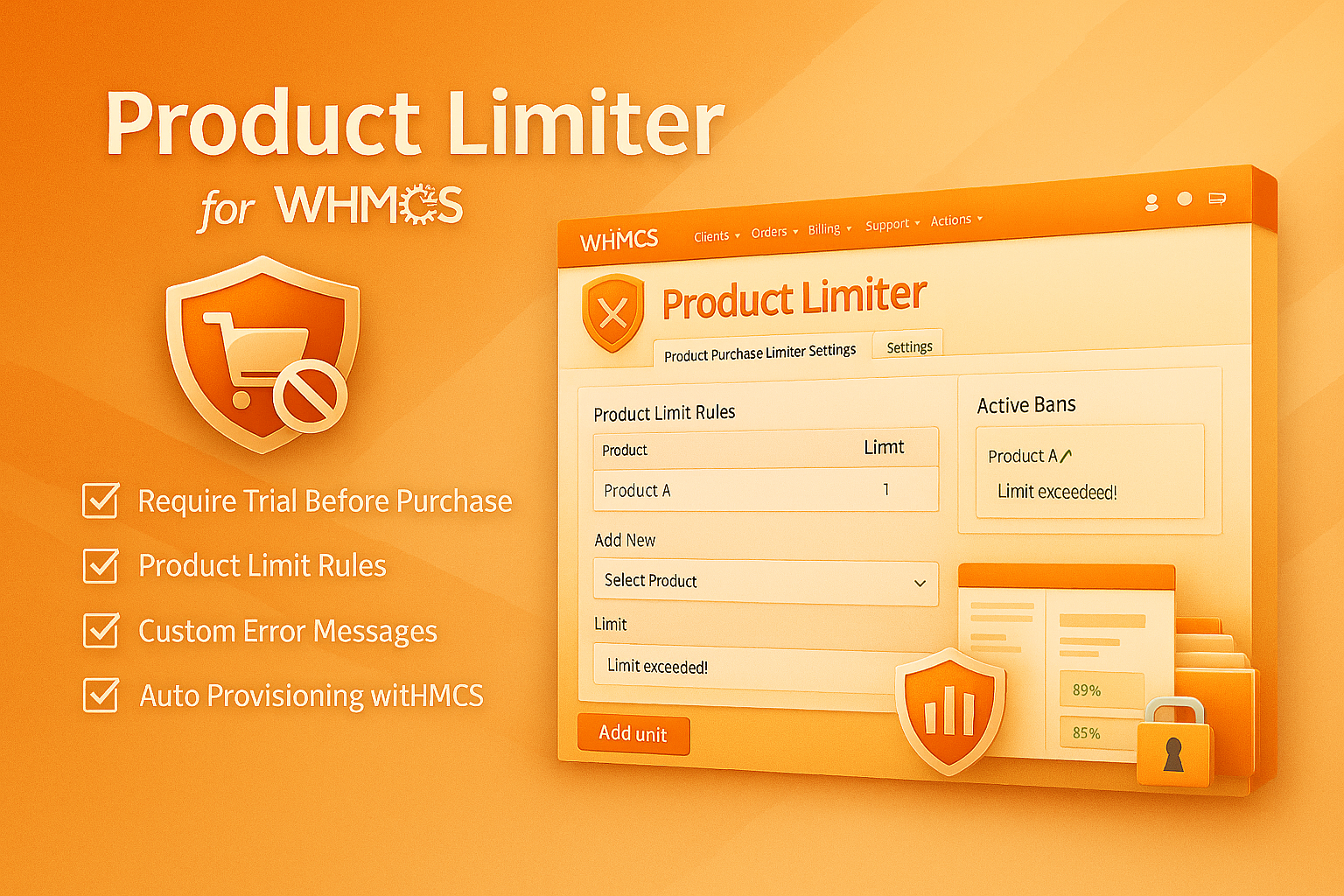
Product Limiter Plus is a WHMCS addon module that lets you set hard purchase limits on any product or service. Once a client hits the threshold, the module blocks additional purchases automatically — right at checkout, before the order is placed.
How It Works
- You define rules — Select a product, set the maximum allowed purchases (e.g., MAX 1), and write a custom error message.
- The module intercepts checkout — Using WHMCS’s ShoppingCartValidateCheckout hook, the module checks the client’s existing service history in real time.
- Excess orders are blocked — If the client has already reached or exceeded the limit, the product is removed from the cart and the error message is displayed.
It’s completely automatic. No manual checking, no support tickets, no loopholes.
🧪 Trial Enforcement: A Game-Changing Feature
One of the most powerful features of Product Limiter Plus is the Trial Enforcement System. If your business model requires users to try a free plan before upgrading to a paid one, this module enforces that rule automatically.
Here’s how it works:
- Require Trial First — Enable this toggle, and any client who hasn’t activated a free/trial product will be blocked from ordering a paid plan.
- Auto-Redirect to Trial — If enabled, the module clears the client’s cart and redirects them directly to the trial product page with a customizable popup message.
- Custom Dialog Box — Write your own message, like “You must complete a free trial before subscribing to a paid plan.”
The module identifies trial products by their WHMCS paytype — any product marked as free is treated as a trial.
🛠️ Real-World Use Cases
1. One Hosting Plan Per Client
If you offer a single shared hosting plan with generous resources, set the limit to 1. Clients can’t create multiple accounts to hoard resources.
2. One-Time Promotional Offers
Running a special launch pricing? Set a limit of 1 to ensure each client can only take advantage of the deal once.
3. Forced Trial → Paid Upgrade Path
Require every new client to start with a 7-day free trial. Once they activate the trial, the paid plans become available. This increases conversion rates and reduces refund requests.
4. Limited Stock Products
Selling a limited number of dedicated servers or IP addresses? Set global limits and let the module handle the rest.
🎨 Premium Admin Interface
Unlike basic WHMCS addons, Product Limiter Plus ships with a fully custom admin UI — no default WHMCS styling. The interface features:
- A dark gradient header with the module version badge
- iOS-style toggle switches for settings
- A responsive 2-column layout (sidebar form + data table)
- Color-coded status badges (Active/Disabled)
- Animated slide-in notification alerts
- An empty state design with helpful getting-started text
Everything is designed to feel native and premium inside your WHMCS admin panel.
📦 What’s Included
| Component | Description |
| limit_purchase.php | Main module file with admin UI and business logic |
| hooks.php | Cart validation hooks, trial enforcement, and product cleanup hooks |
| License Validation | Built-in remote license verification with local fallback |
| Brand Integration | WHMCS Module Hub author logo displayed in module settings |
⚡ Quick Setup (Under 5 Minutes)
- Upload the limit_purchase folder to modules/addons/.
- Activate it from System Settings → Addon Modules.
- Enter your license key and save.
- Navigate to Addons → Product Limiter and create your first rule.
That’s it. Your checkout is now protected.
💡 Who Should Use This Module?
- Web hosting providers who offer free trials or limited stock plans.
- SaaS businesses selling software subscriptions through WHMCS.
- Resellers who need to enforce fair-usage policies per client.
- Anyone who has ever dealt with a client ordering the same product 10 times.
🚀 Get Started Today
Product Limiter Plus is available now from the WHMCS Module Hub store. It ships with a premium admin interface, built-in license protection, and the trial enforcement features that no other WHMCS addon offers.
Stop policing orders manually. Let Product Limiter Plus handle it.
Have questions or need a custom configuration? Contact us — we’re here to help.